{ "@context": "https://schema.org", "@type": "HowTo", "name": "How to automate P45 document review with AI", "description": "Use this workflow to collect P45 documents securely, validate them with AI, extract payroll information from valid forms, flag invalid documents, and notify employees and HR automatically.", "step": [ { "@type": "HowToStep", "position": 1, "name": "Submit the P45 document", "text": "Employees securely upload their P45 document through an online form." }, { "@type": "HowToStep", "position": 2, "name": "Validate the document with AI", "text": "The system reviews the P45 and assesses its validity based on the document's general information and formatting." }, { "@type": "HowToStep", "position": 3, "name": "Process a valid P45", "text": "If the document is valid, AI extracts the employee's total earnings and tax paid, sends the information to payroll processing, and confirms the recorded details with the employee." }, { "@type": "HowToStep", "position": 4, "name": "Handle an invalid P45", "text": "If the document is invalid, AI flags the discrepancies, explains the reason for rejection, and notifies HR with its findings and recommendations." } ]
}
Oops! Something went wrong while submitting the form.
Simplify P45 document review with AI
Manually reviewing P45 documents often leads to inconsistent processing and unnecessary delays. AI automation doesn’t just replace manual checks; it enhances accuracy, speeds up decision-making, and ensures compliance. By leveraging AI, HR teams can focus on more strategic tasks instead of chasing paperwork. This workflow ensures that no document is overlooked, keeping payroll running smoothly while reducing admin burdens.
How it works:
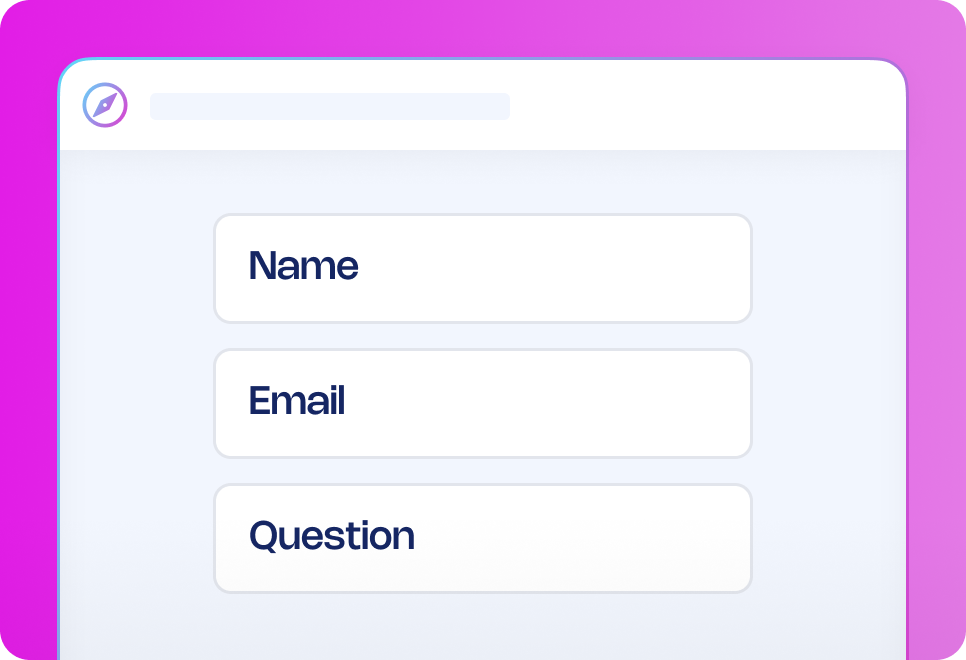
Submission: Employees upload their P45 securely via an online form.
AI validation: The system assesses the document’s validity based on general information and formatting.
If the P45 is valid:
AI extracts total earnings and tax paid.
The data is seamlessly integrated into payroll processing.
Employees receive a confirmation of recorded details.
If the P45 is invalid:
AI flags discrepancies and provides a detailed reason for rejection.
HR receives a notification with AI’s findings and recommendations.
Want to enhance your process?
Try adding automated reminders for HR to review flagged P45s within a set timeframe.
Why use this workflow template?
Save time: Automate manual P45 verification steps.
Reduce errors: Ensure accurate tax and earnings calculations.
Stay compliant: Follow HMRC guidelines with AI-assisted validation.
Improve speed and efficiency: Avoid delays in payroll processing.
Keep everyone informed: Automated notifications for employees and HR.
How it works
Submit incident reporting form
AI analysis
Quick communication
Investigation form
Report generation
Overview of cases
Submit incident reporting form
The person recording the incident fills out an incident reporting form that will automatically start the process, the form can be shared on the Journeys portal or any internal portal your company is already using.
Frequently asked questions
Can I customise the P45 workflow to fit our process?
Why use AI in this workflow?
How secure is my data with 50skills?
What types of workflow templates are available?
How can workflow automation improve my business?
How do I get started with workflow templates?
Recommended workflow automation templates
Looking for similar automation solutions? Explore these workflow templates to further optimise key processes so you and your team can quickly get approvals, reduce delays, and focus on high-value work that requires a human touch.





.avif)






.png)