{ "@context": "https://schema.org", "@type": "HowTo", "name": "How to automate employee equipment requests", "description": "Use this workflow to collect equipment requests, route them to the correct manager, apply approval logic, begin fulfilment for approved requests, and keep employees informed automatically.", "step": [ { "@type": "HowToStep", "position": 1, "name": "Request submission", "text": "Employees complete a form with the equipment they need and the reason for the request." }, { "@type": "HowToStep", "position": 2, "name": "Manager approval", "text": "The system automatically routes the equipment request to the employee's manager for review." }, { "@type": "HowToStep", "position": 3, "name": "Apply conditional logic", "text": "The workflow continues or ends depending on whether the manager approves or denies the request." }, { "@type": "HowToStep", "position": 4, "name": "Begin fulfilment", "text": "When the request is approved, the employee receives confirmation and the equipment fulfilment process can begin." }, { "@type": "HowToStep", "position": 5, "name": "Handle denied requests", "text": "When the request is denied, the employee is notified and receives the reason provided by the manager." }, { "@type": "HowToStep", "position": 6, "name": "Send status notifications", "text": "Each stage triggers a tailored email so the requester and relevant teams remain informed." } ] }
HR
IT
Most popular
Onboarding
Operations
Requests and approvals

Equipment request workflow template

manager
Thank you! Your submission has been received!
Oops! Something went wrong while submitting the form.

Simplify equipment approvals with smart automation

Approving and tracking hardware or device requests can slow down productivity if handled manually. This equipment request workflow automates every stage—from form submission to decision-making. Employees fill out a quick form, managers get an automatic approval request, and updates are sent instantly based on the response. With built-in logic and email templates, there’s no need for chasing or manual updates. It's ideal for companies that want to reduce IT backlog and improve fulfilment speed.

How it works:

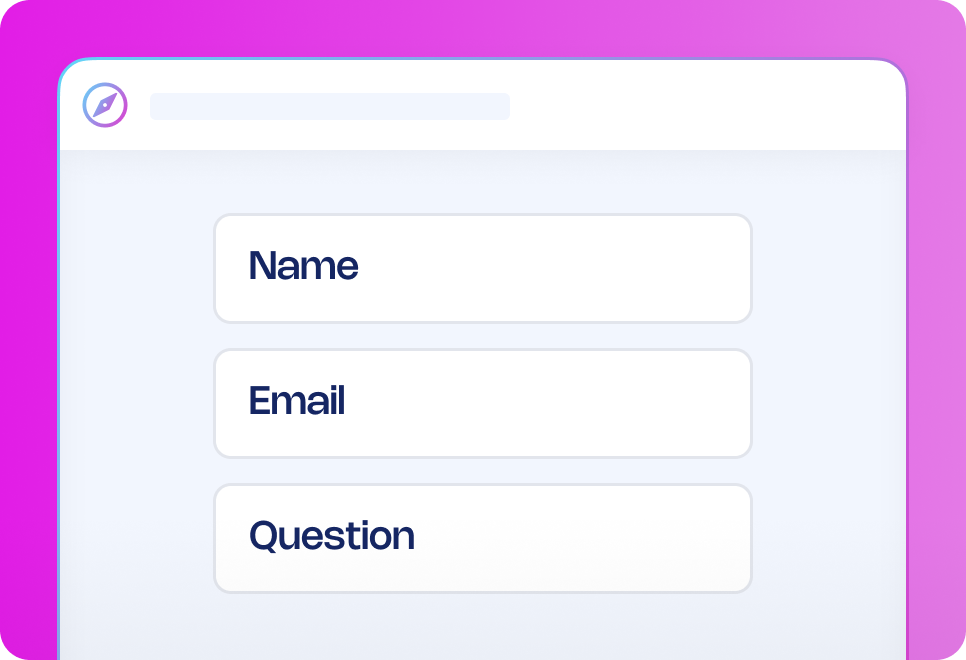
  1. Request submission: Employees complete a form with their equipment needs and reasons.
  2. Manager approval: The system automatically routes the request to their manager for review.
  3. Conditional path: Based on the manager’s approval, the workflow either continues or ends.
  4. Approved: The requester receives a confirmation and a fulfilment process can begin.
  5. Denied: The requester is notified with the reason provided.
  6. Notifications: Each step triggers a tailored email to keep users informed.

Want to enhance your process?

Add a step for IT team validation to confirm technical compatibility or availability before fulfilment. You can also include a budget approval checkpoint if the requested equipment exceeds a predefined cost threshold, helping maintain financial oversight and avoid overspending.

Why use this workflow template?

  • Cut IT backlog: Reduce time spent managing ad hoc requests manually.
  • Keep teams informed: Managers, requesters and fulfilment teams get real-time updates at every step.
  • Get rid of guesswork: Every request follows a consistent, visible approval path.
  • Speed up handovers: Approvals trigger automated notifications so fulfilment can start right away.
  • Stay audit-ready: All request actions are logged, helping track equipment history.

How it works

Submit incident reporting form
AI analysis
Quick communication
Investigation form
Report generation
Overview of cases

Submit incident
reporting form

The person recording the incident fills out an incident reporting form that will automatically start the process, the
form can be shared on the Journeys portal or any internal portal your company is already using.

Frequently asked questions

Can I customise the equipment request form?

How is the request routed to the right manager?

Can I include a checklist for fulfilment?

What happens if a manager doesn’t respond?

Is this workflow mobile-friendly?

How do I get started with workflow templates?

Recommended workflow
automation templates

Looking for similar automation solutions? Explore these workflow templates to
further optimise key processes so you and your team can quickly get approvals,
reduce delays, and focus on high-value work that requires a human touch.