Parking space allocation can be a repetitive and admin-heavy task. Our car parking request workflow template eliminates the back-and-forth by automating approvals, routing forms, and sending updates. You get a consistent process, better visibility, and a smoother experience for everyone involved. Designed to integrate with your internal tools, it’s a quick win for facilities and HR teams.
How it works
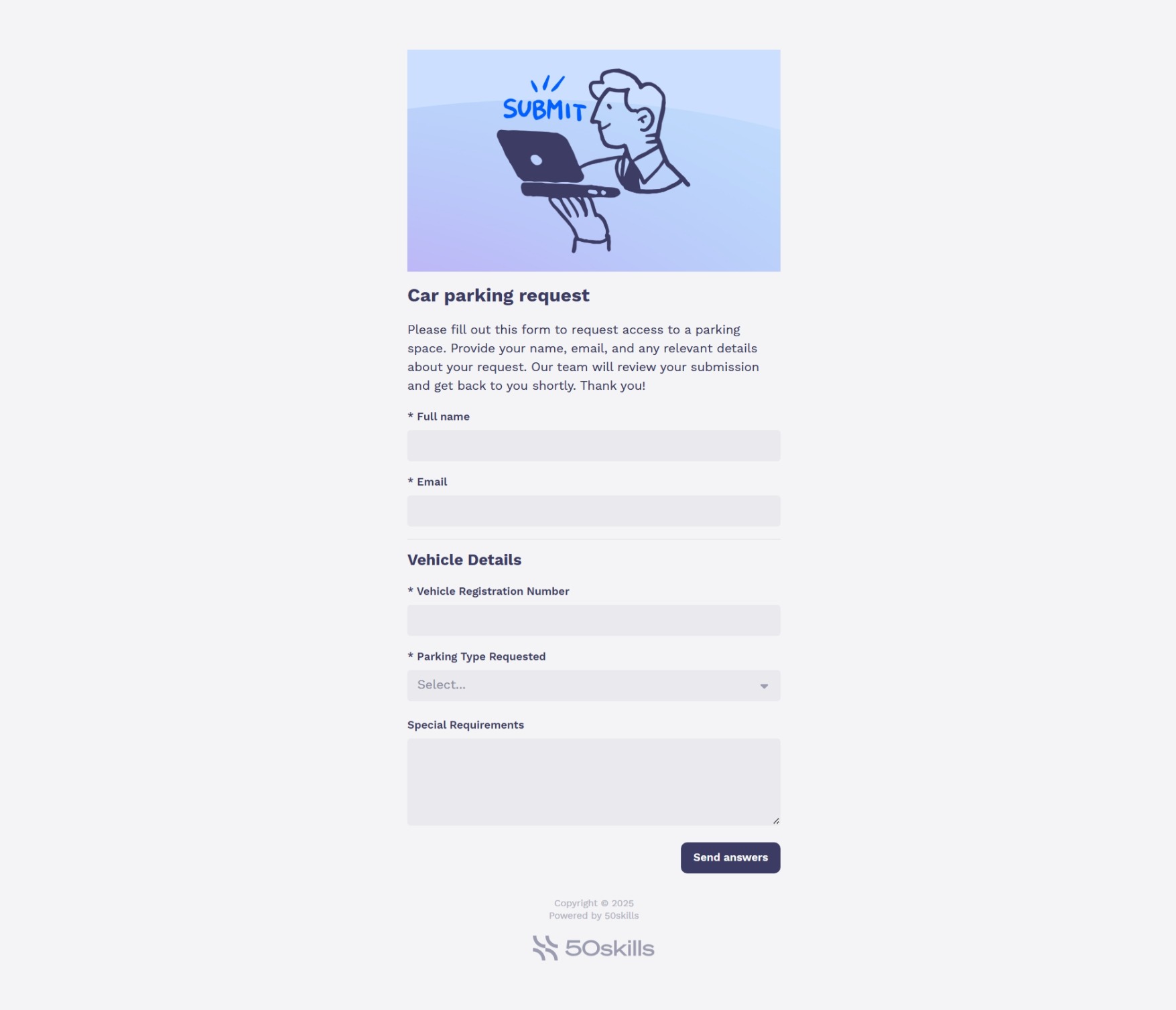
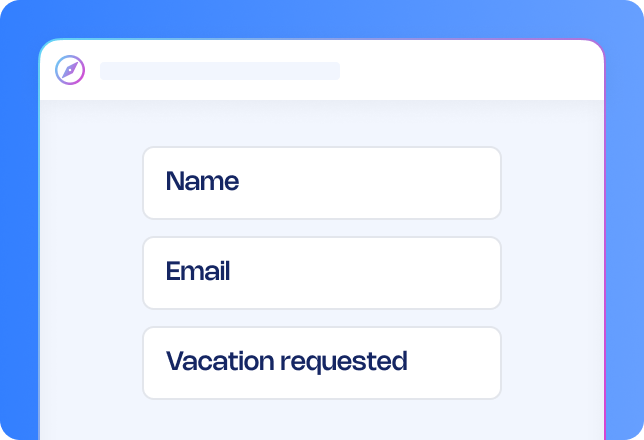
- Request submission: Employees submit a car parking request using a simple form including vehicle details and special requirements.
- Manager approval: The request is automatically routed to the employee’s manager for review.
- Facilities allocation: If approved, Facilities receive a form to assign a parking space.
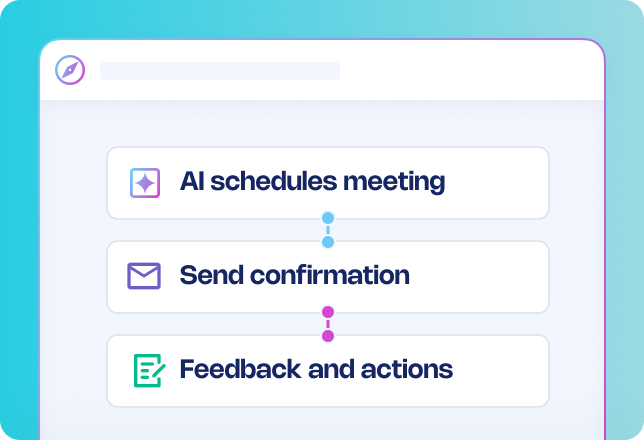
- Notifications: Employees and managers receive emails at each key stage—submission, approval, allocation or decline.
Want to enhance your process?
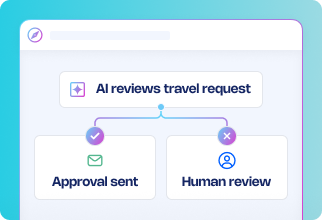
- Add an AI-powered policy check: Automatically review each request against your company’s parking entitlement rules to flag ineligible submissions.
- Enable disability auto-approval: Instantly approve requests that include verified accessibility needs, speeding up the process for those who need it most.
- Trigger reminders for unallocated requests: Notify Facilities if a space hasn’t been assigned within a set timeframe to avoid delays.
- Introduce location-based routing: Route requests to the correct Facilities team based on office location for faster handling.
Why use this workflow template?
- Save time: Automate repetitive admin tasks so teams can focus on higher-value work.
- Improve communication: Keep employees and managers updated with automated notifications.
- Reduce errors: Standardised forms and automated routing reduce missed or incorrect requests.
- Speed up approvals: Get requests through faster with instant routing and reminders.
- Stay flexible: Customise the workflow to fit any office layout, parking policy or approval chain.




.avif)






.png)